← Back to Projects
ephemeral
A transient space for raw thought. Zero persistence, zero friction. Your text exists only while this window lives. Export explicitly or lose it forever.
Language
TypeScript
Last Pushed
2/28/2026
Ephemeral
Ephemeral is a minimalist writing tool built with Tauri. It intentionally never auto-saves and never prompts on close. Text persists only when you explicitly export it.
Installation
Download
Download the latest version from GitHub Releases.
Build from source
Requires Bun and the Rust toolchain.
bun install
bun run tauri build
The app bundle will be generated in src-tauri/target/release/bundle/.
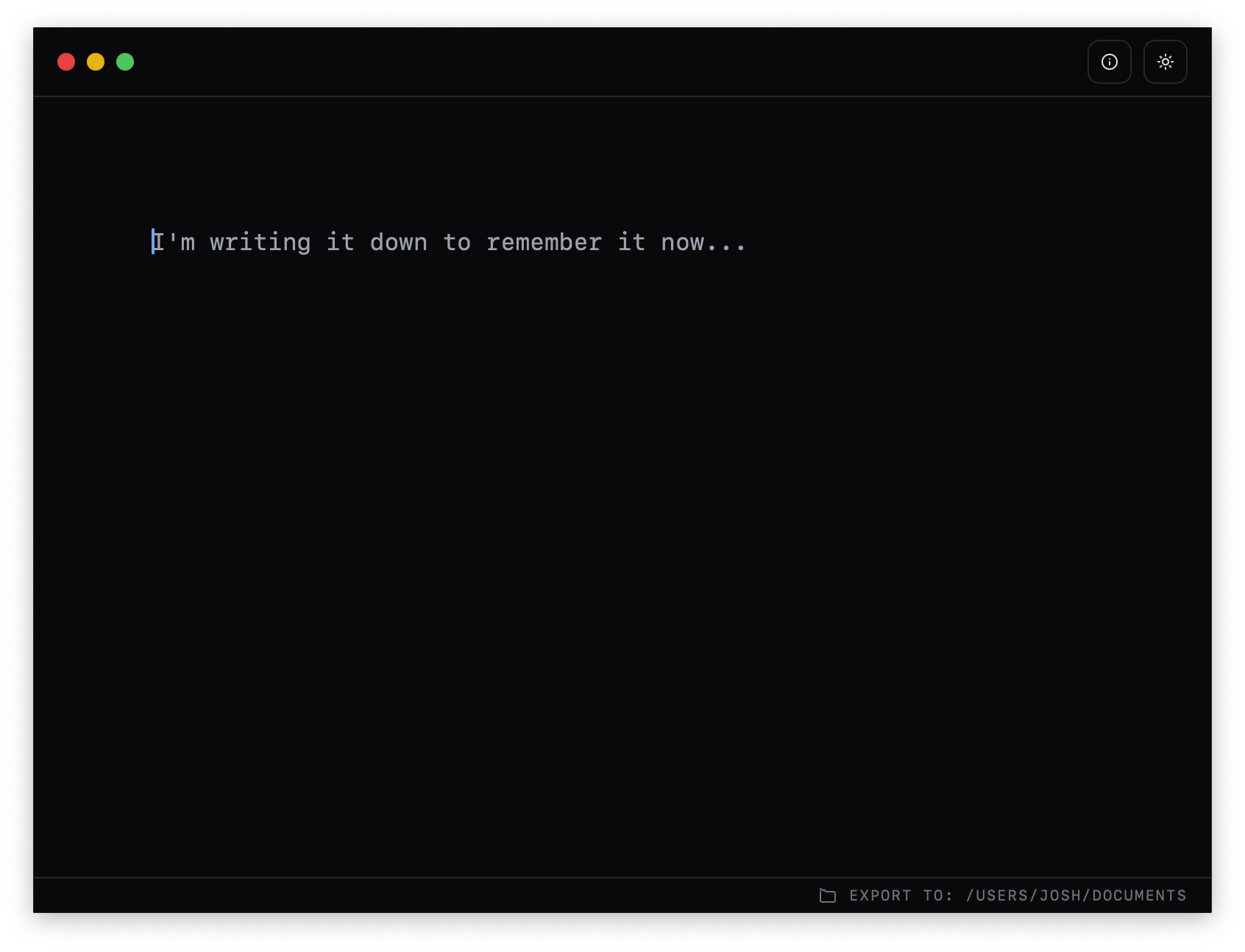
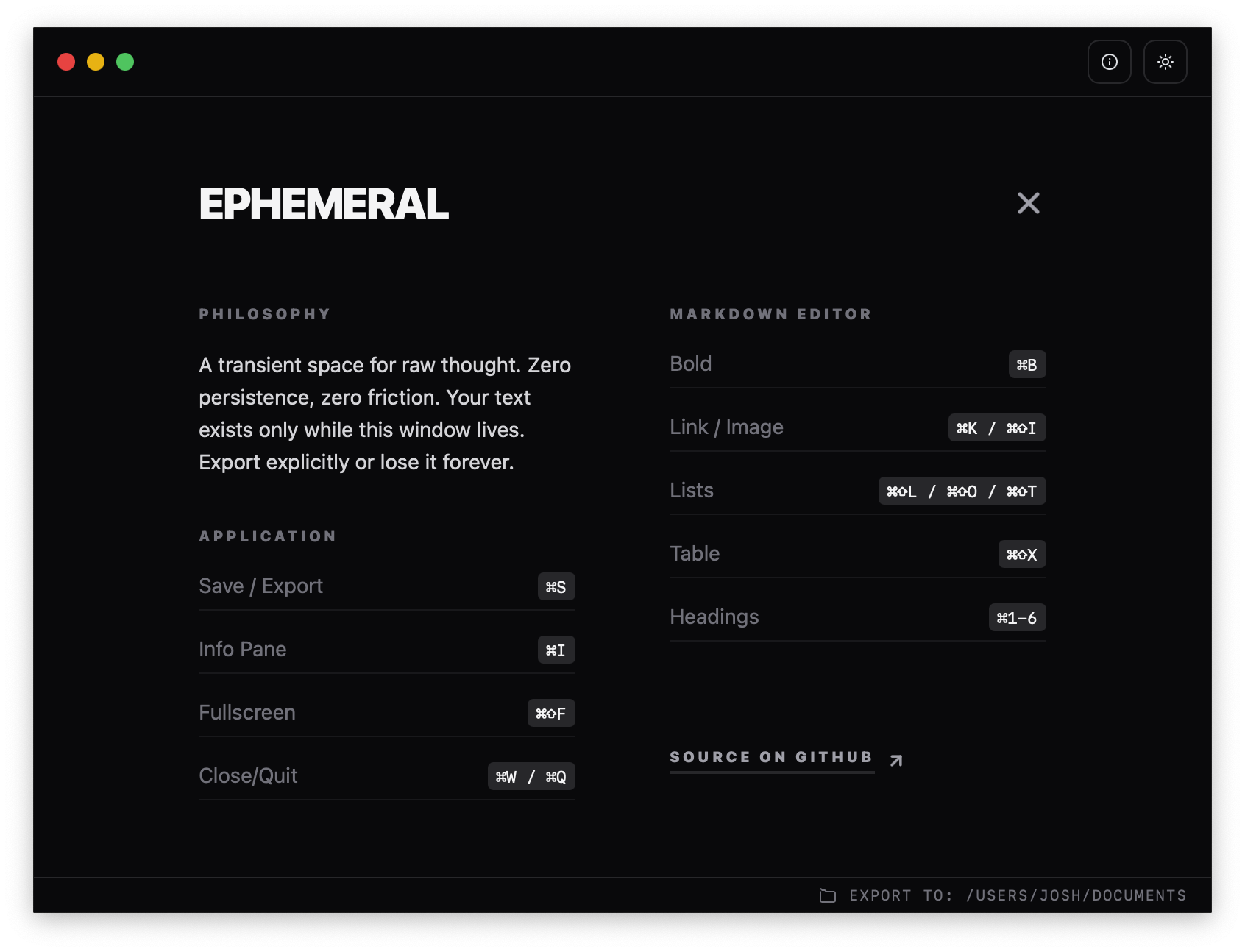
Screenshots
Philosophy
- No auto-save
- No save prompts
- Manual export only
- Non-destructive exports (auto-incremented names)
Features
- Markdown writing with rich formatting
- Export to
.mdor.txt - Custom filename on export
- Configurable export directory
- Last export quick-reveal in Finder
- System theme support
Usage
- Open the app and start writing.
- Press
Cmd/Ctrl + Sto export. - Enter a filename, then choose
MarkdownorText. - Use the export directory control in the footer to change destination.
Keyboard Shortcuts
- Save / Export:
Cmd/Ctrl + S - Info Pane:
Cmd/Ctrl + / - Toggle Markdown Mode:
Cmd/Ctrl + M - Set Export Folder:
Cmd/Ctrl + E - Close/Quit:
Cmd/Ctrl + WorCmd/Ctrl + Q - Fullscreen:
Cmd/Ctrl + Shift + F - Bold:
Cmd/Ctrl + B - Headings:
Cmd/Ctrl + 1-6 - Link:
Cmd/Ctrl + K - Image:
Cmd/Ctrl + Shift + I - Table:
Cmd/Ctrl + Shift + X
For development setup and release workflow details, see DEVELOPER.md.